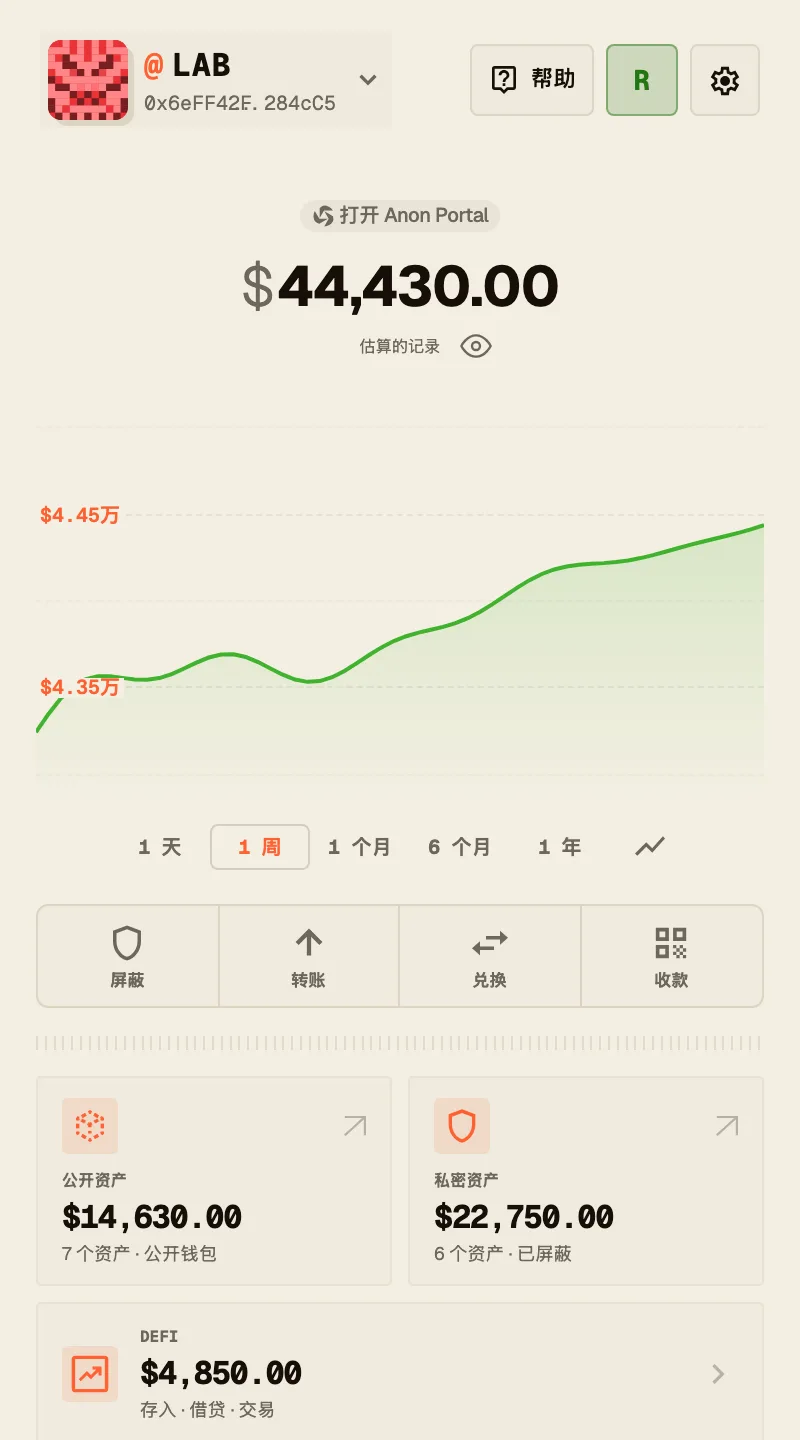
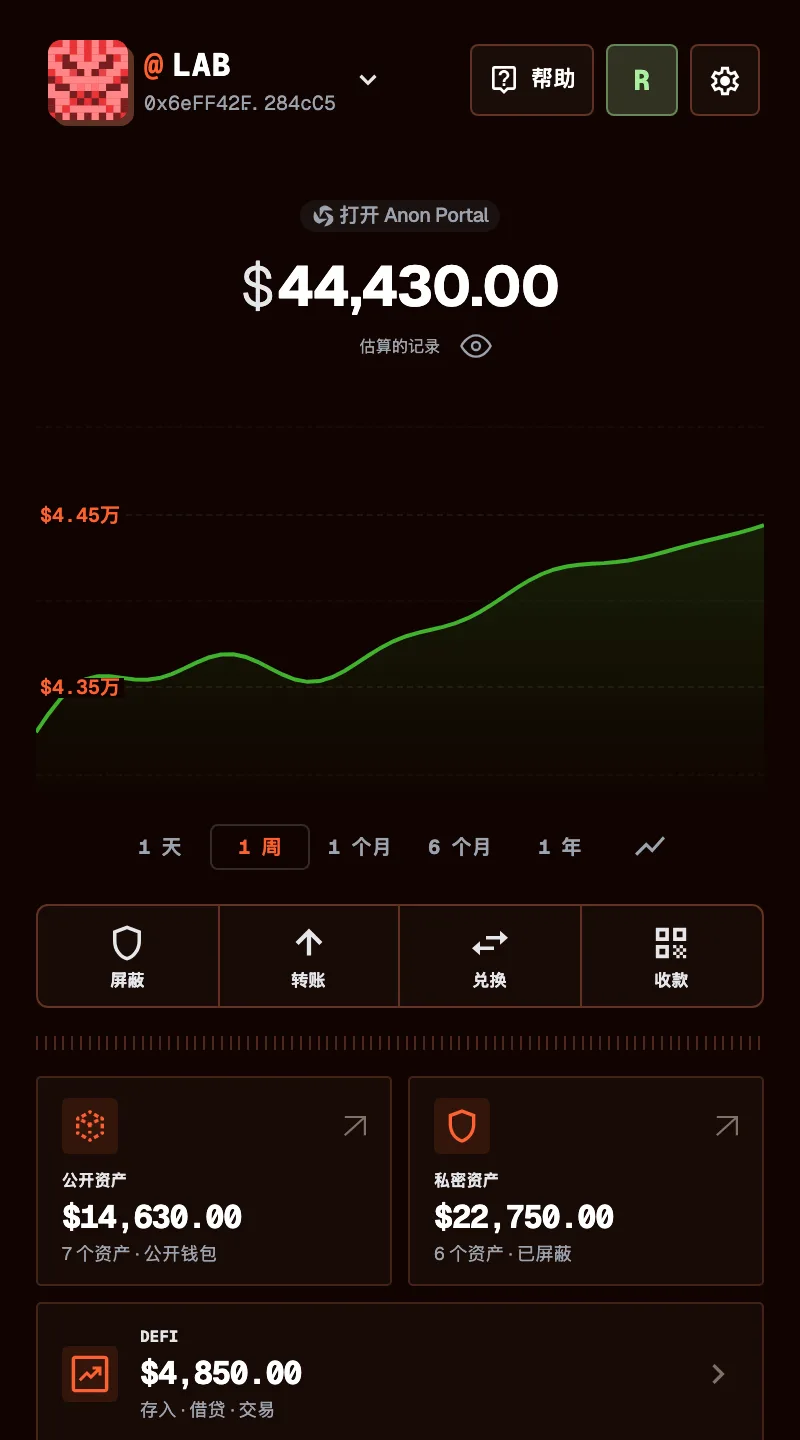
01MobileAndroid + iOS beta
Pay on the go.
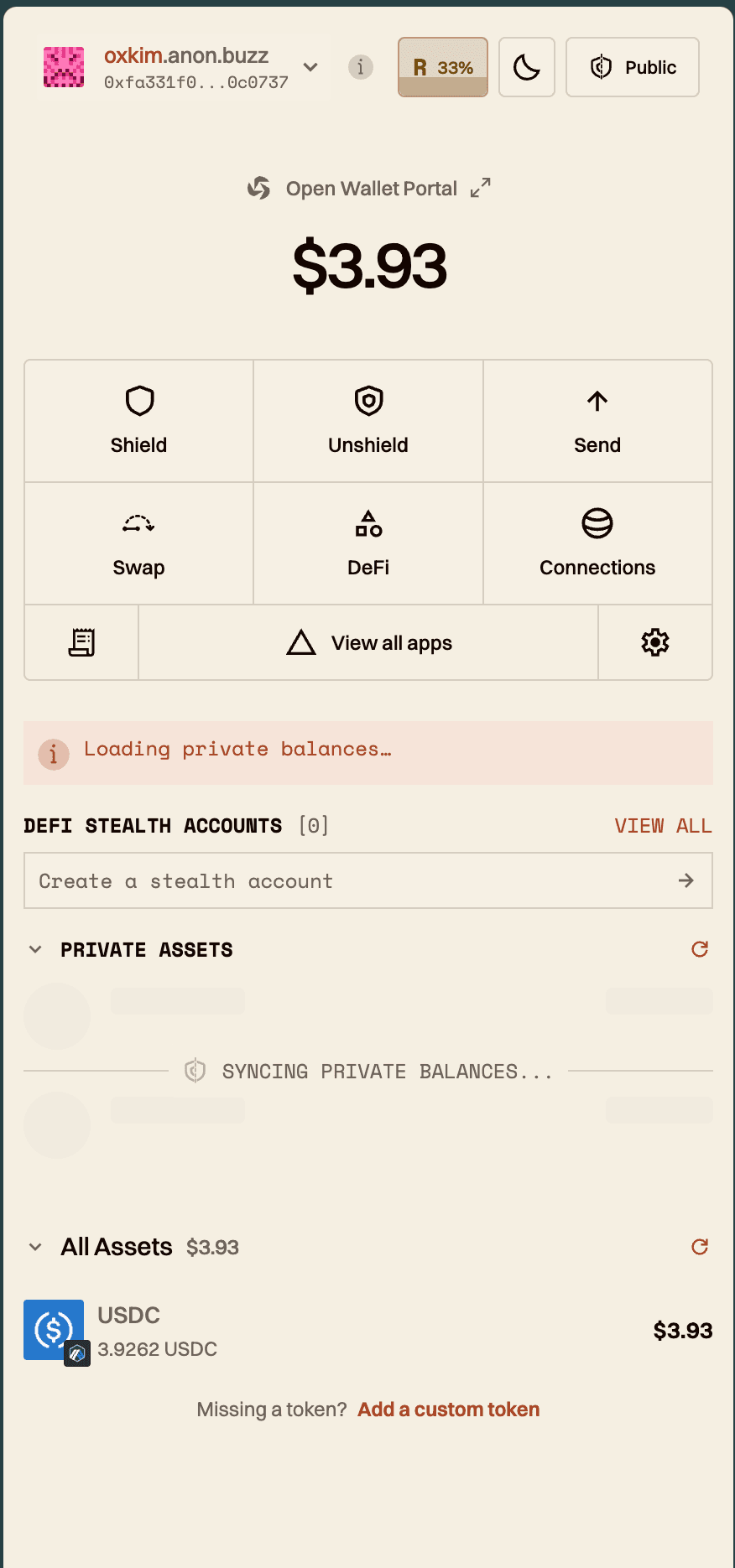
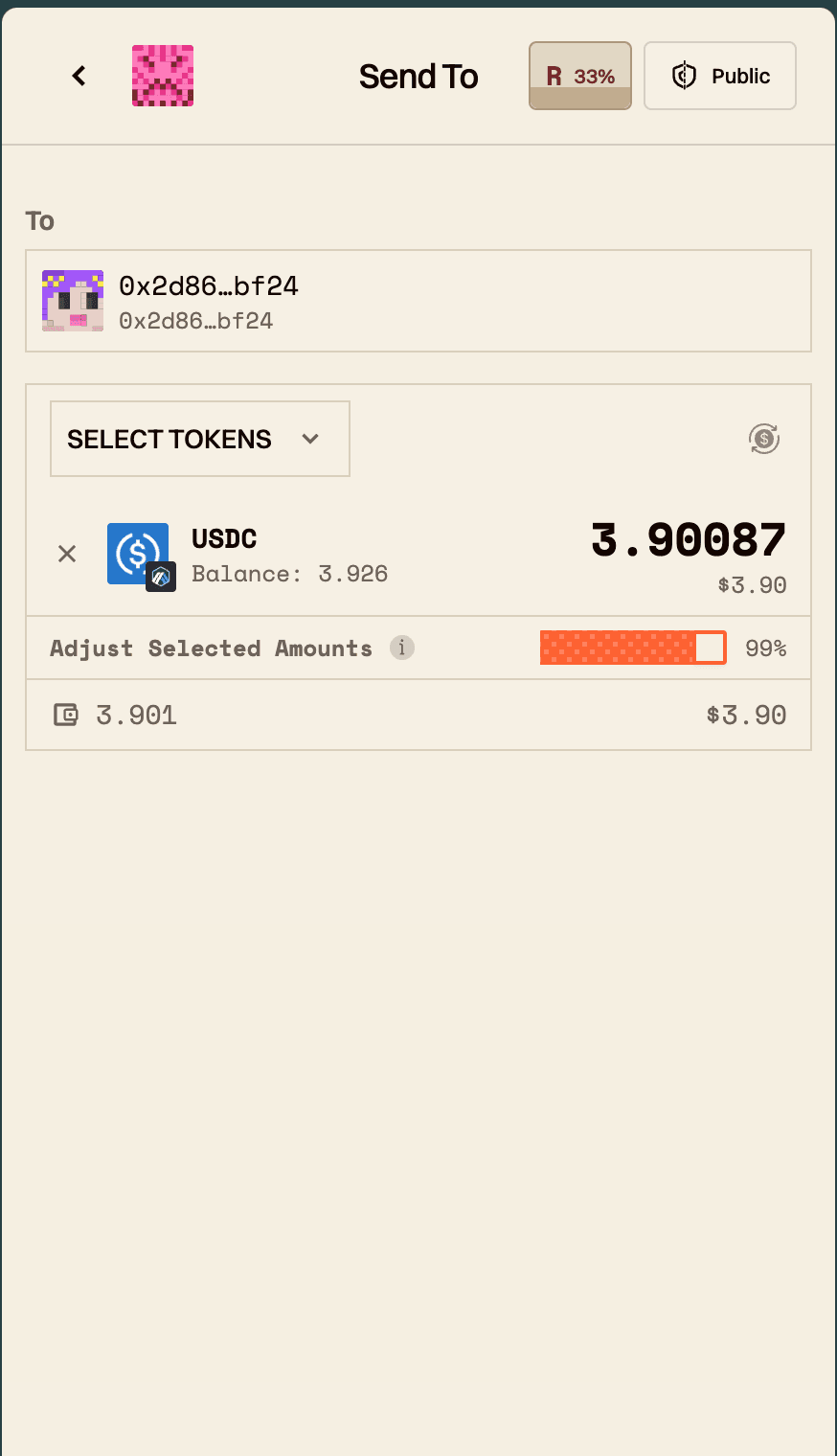
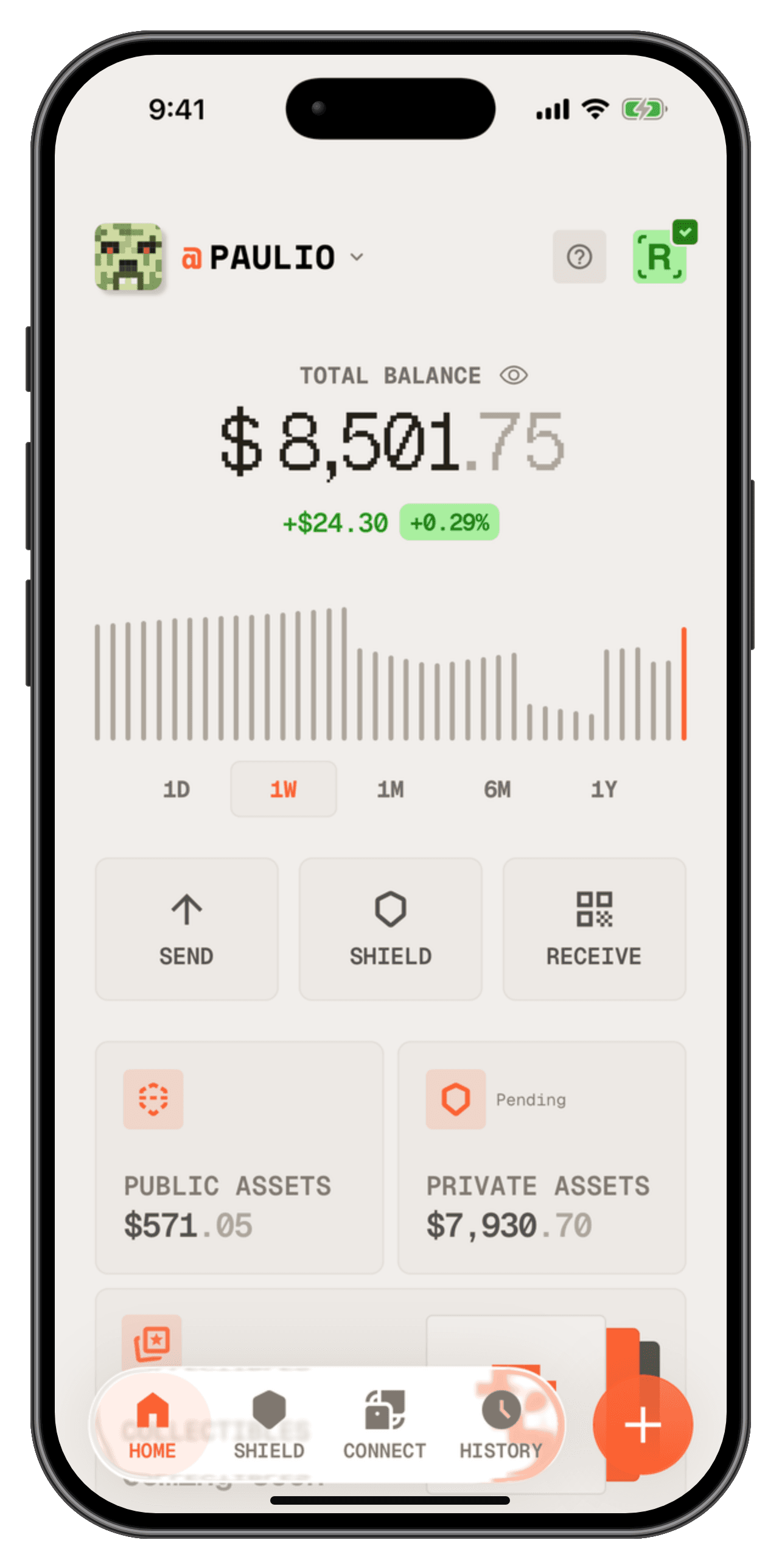
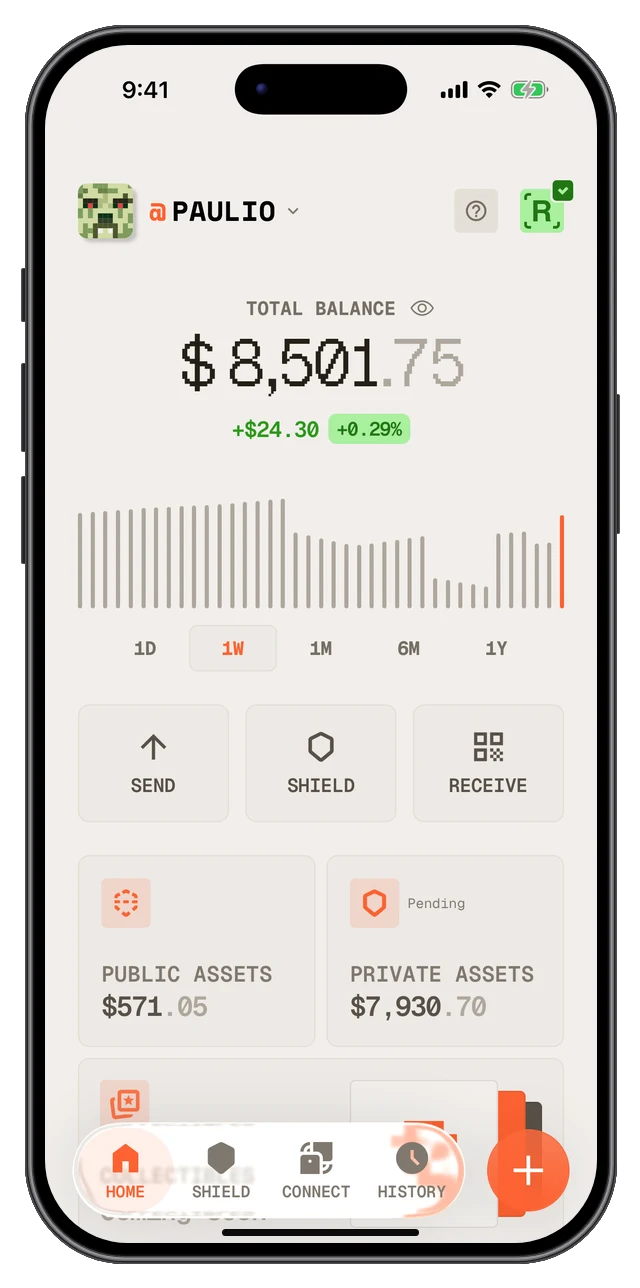
Send, receive, and pay people from your phone. Keep your wallet close, wherever your day takes you.
Pay, trade and manage your money with privacy tools built in and keys you control.
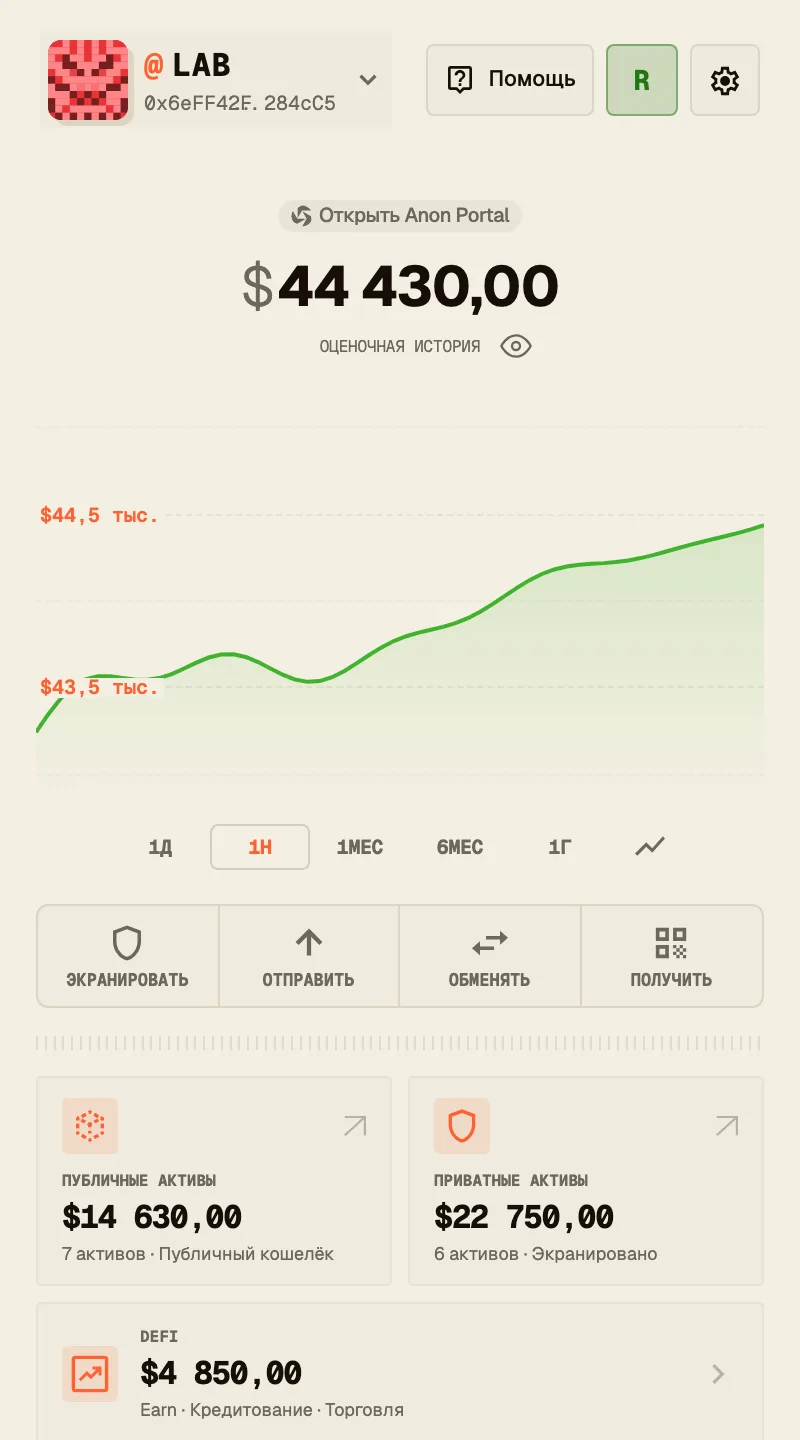
The Anon browser extension and mobile app speak seven languages. Pick one below and the whole site switches with it.
Use Anon your way
Send, receive, and pay people from your phone. Keep your wallet close, wherever your day takes you.
Bring your wallet to other dApps. Connect an account, review requests, and approve what happens next.
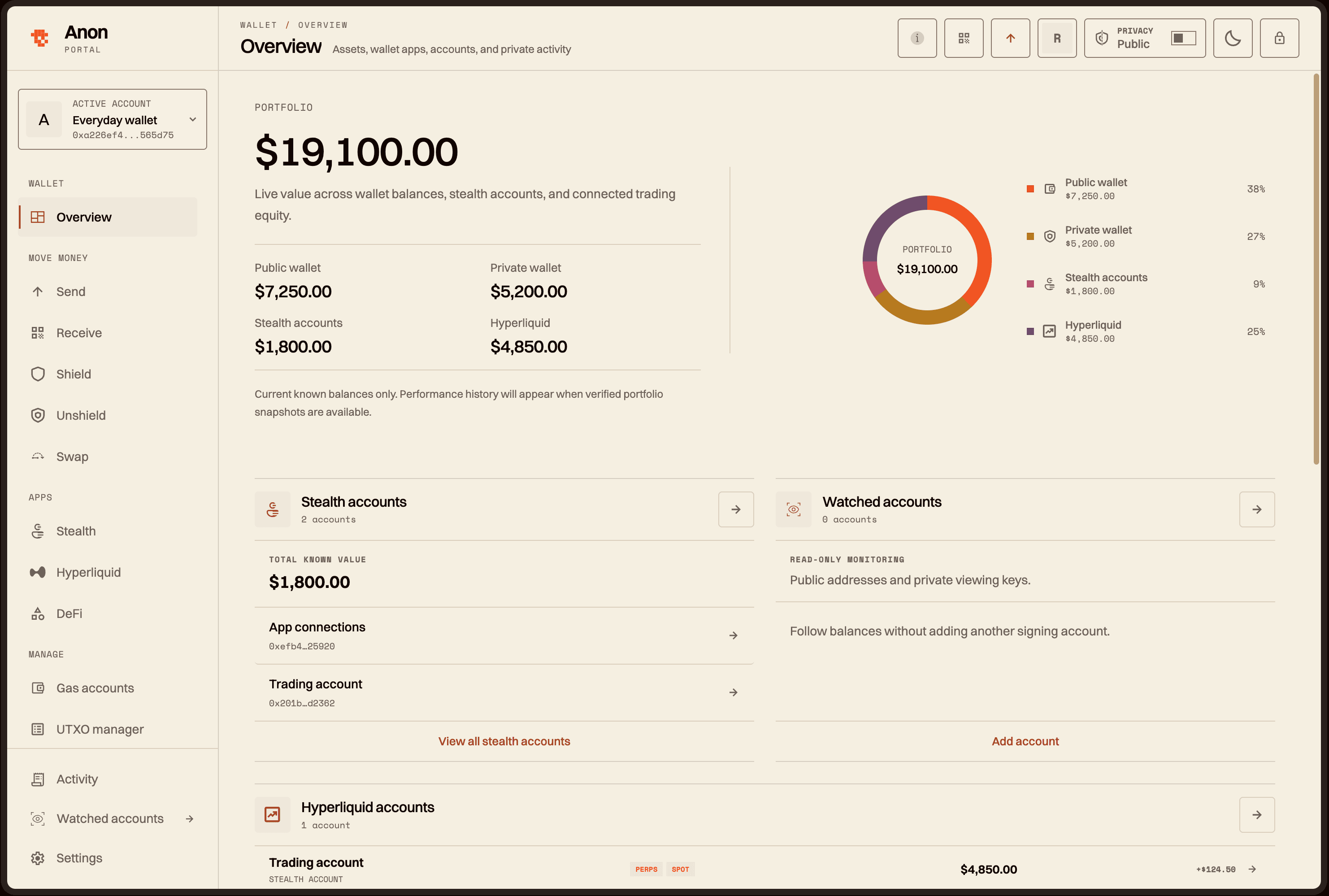
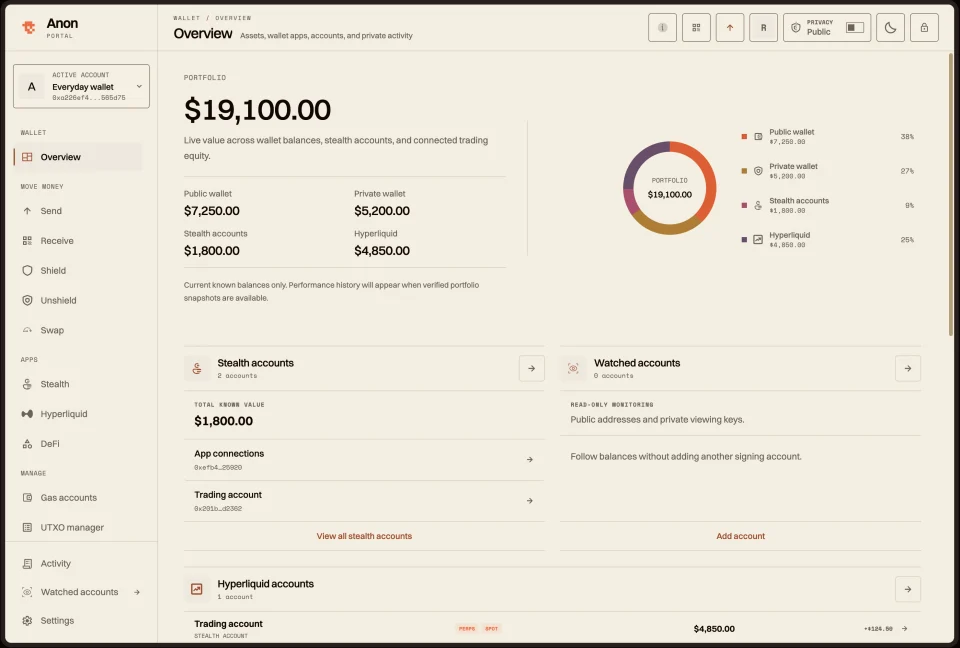
Open your extension wallet in a full-page workspace for balances, trades, and positions.
Your username. Your money.
Find friends by @username. Share your profile to get paid. A simple name for the way you move money.
Look up their username. Check their profile and confirm in your wallet.
Send your profile or show your QR. Public and private receive addresses, in one place.
It starts with your @.
One username. A simple way to pay you.
Sample profile · QR opens Anon Buzz
Your profile is public. A private address receives shielded funds.
Familiar actions.
A different level of privacy.
Move and trade on-chain without exposing your full wallet activity. Privacy tools, built into the way you use your wallet.
Send from a shielded balance to a private address, without publishing the amount or recipient.
Move between supported tokens from your private balance, with the swap flow built into your wallet.
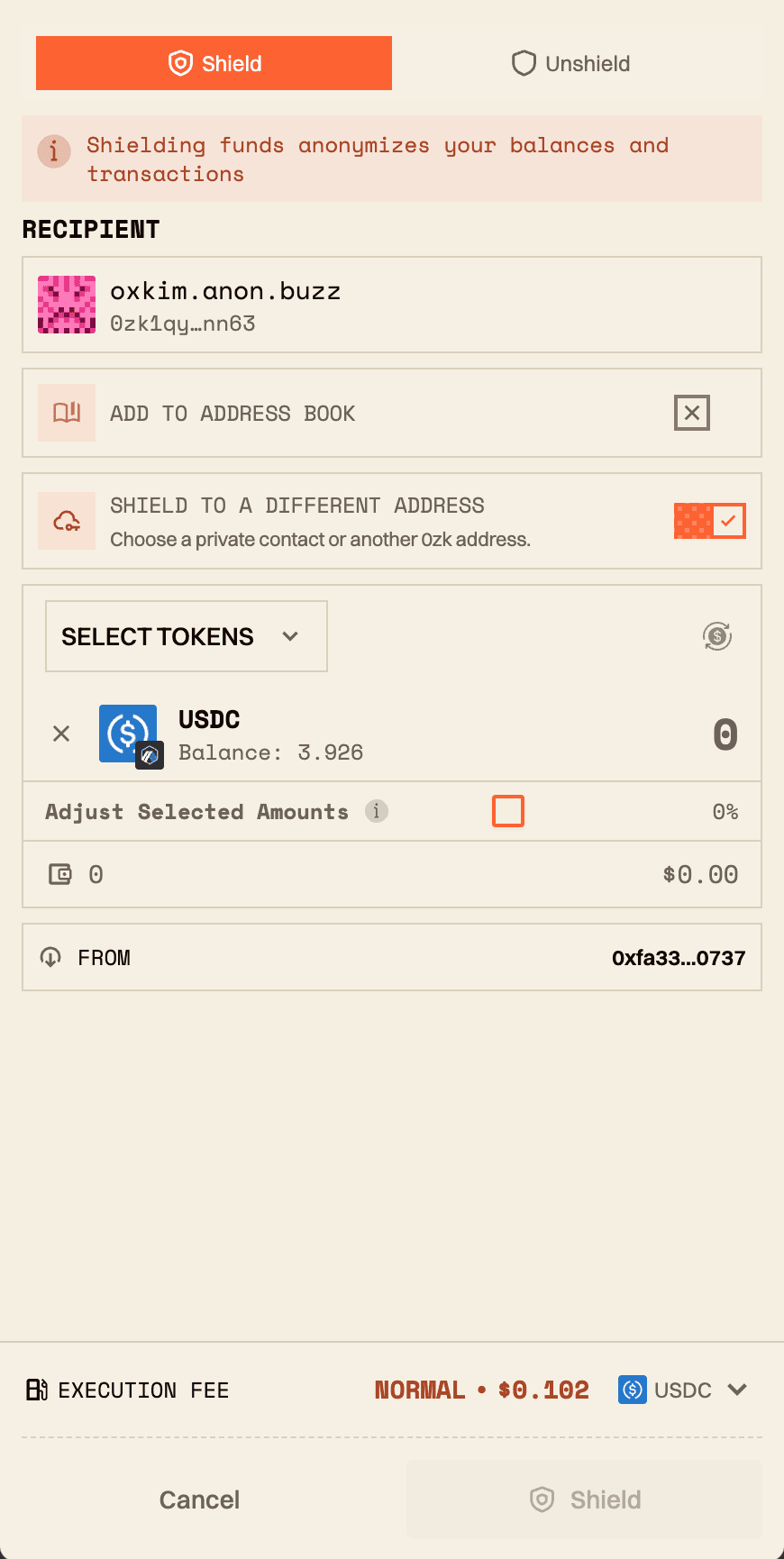
Move supported assets into RAILGUN’s privacy system. Keep your public and private balances in one place.
Your wallet keys are encrypted on your device. You choose when to send, swap, shield, or unshield.
Private features use shielded funds on supported networks. Shielding and unshielding still create public blockchain transactions.
Everyday payments are just the beginning. Send to people, swap tokens, explore yield and manage borrowing. Anon brings more of your onchain money into your hands, with different apps for how you use it.
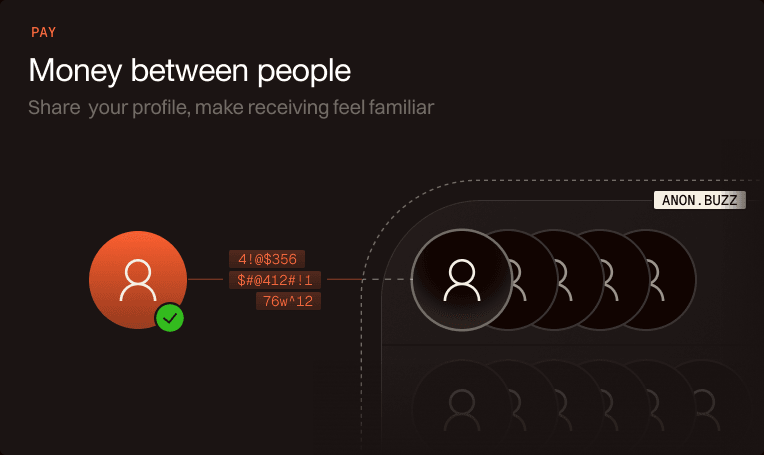
Pay
Share your profile. Make receiving feel familiar.
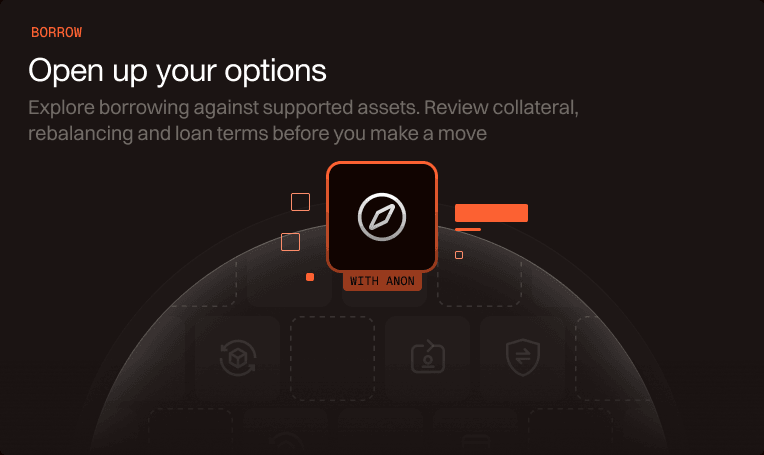
Borrow
Explore borrowing against supported assets. Review collateral, rebalancing and loan terms before you make a move.
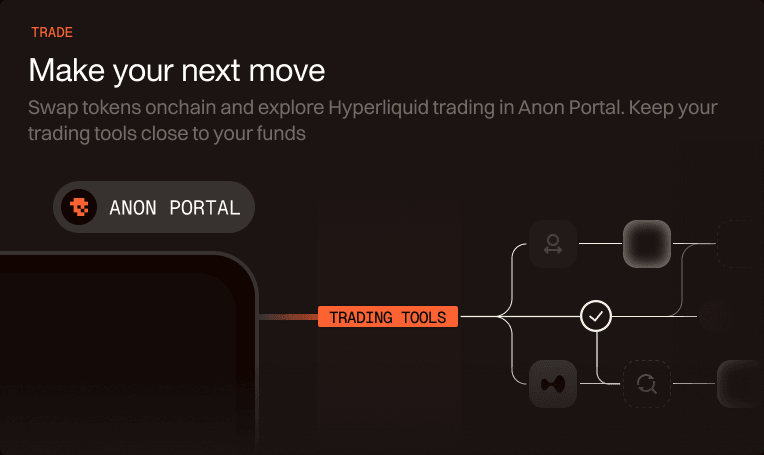
Trade
Swap tokens onchain and explore Hyperliquid trading in Anon Portal. Keep your trading tools close to your funds.
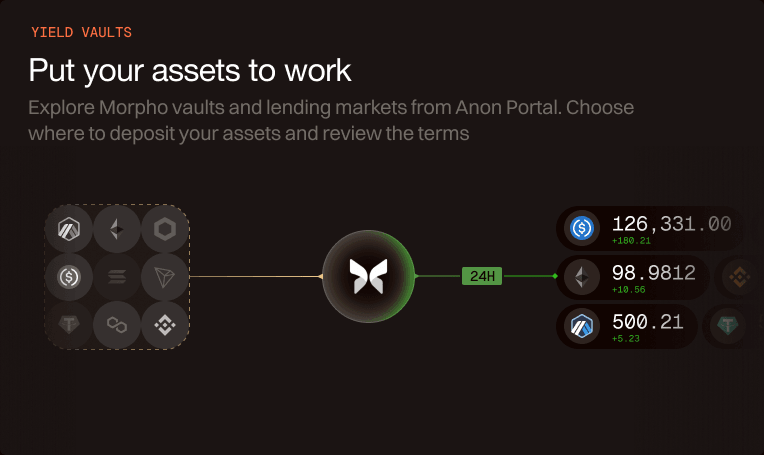
Yield vaults
Explore Morpho vaults and lending markets from Anon Portal. Choose where to deposit your assets and review the terms.
Features and privacy depend on the app, network and action you choose. Borrowing terms depend on the underlying protocol.
Connect
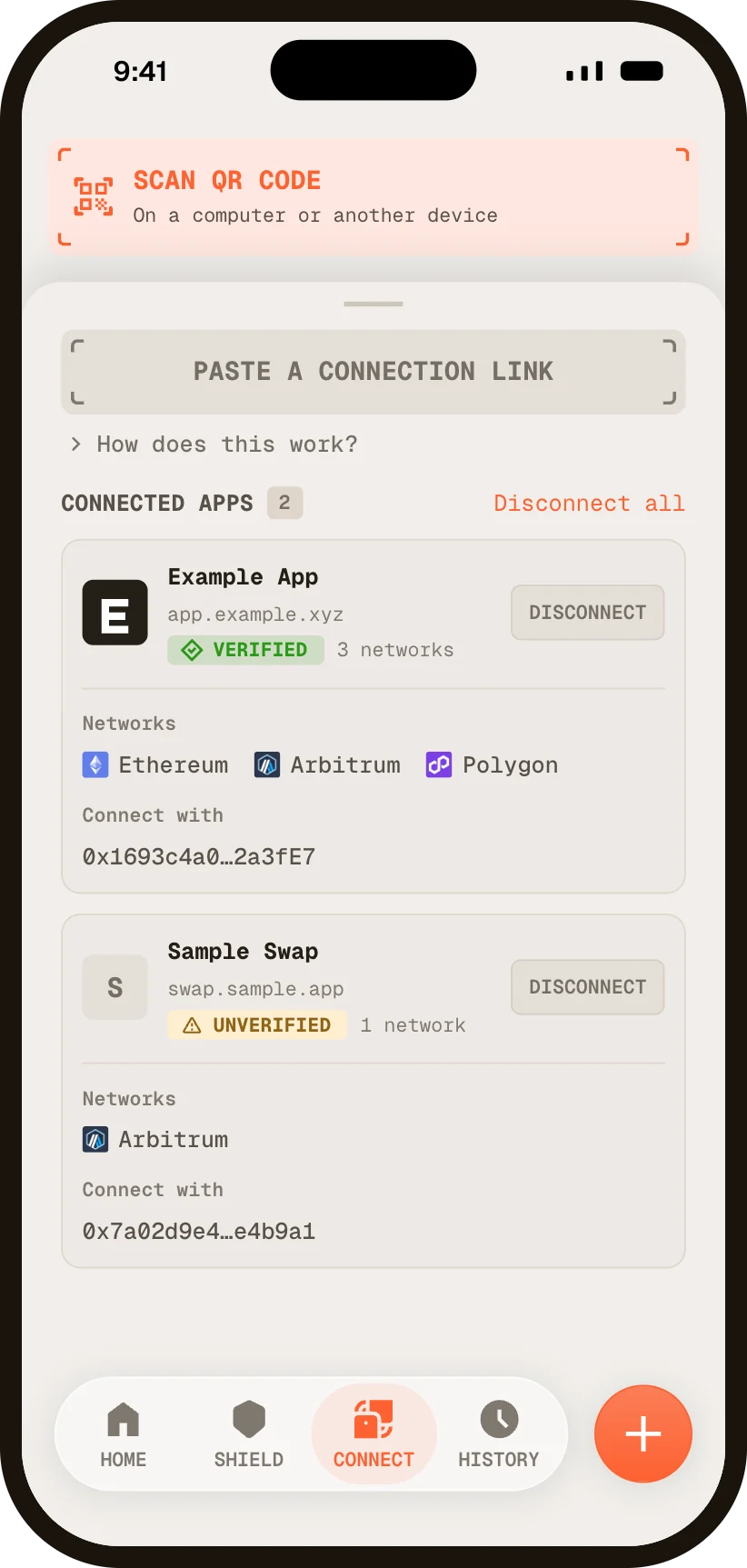
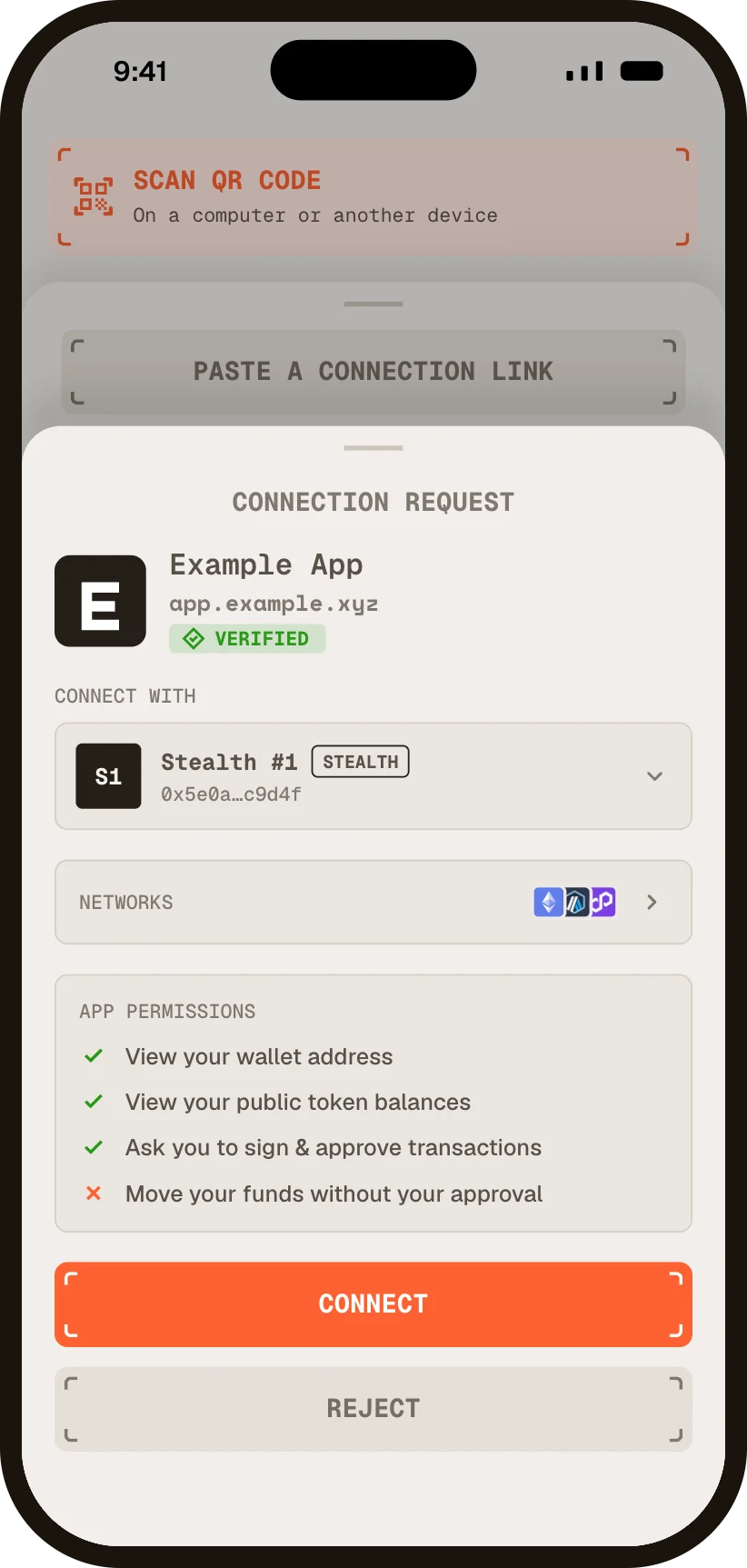
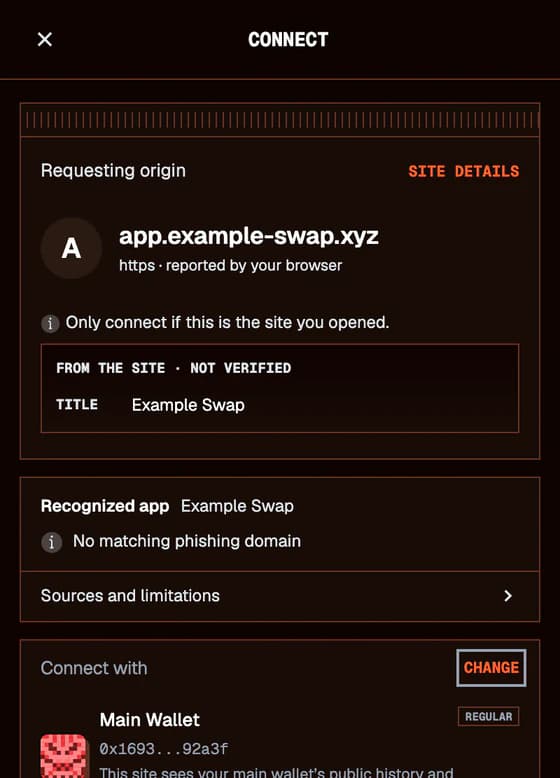
Open the Connect tab, scan the app's QR code and you're in. Before you approve, you see the app, the networks it asks for and a trust badge, and you choose which account it sees, even a stealth account.
Point your phone at the app's WalletConnect code. The camera stays off until you tap Scan QR code.
Connect is in Anon for Android today, with iOS next. Connections use WalletConnect.
Illustration
Security
Before you connect, the extension checks the site against MetaMask's public phishing list, kept on your device. A listed site can't connect, and its requests are blocked.
Transactions are read in plain terms: what you send, receive and approve. If Anon can't read every step, you see the raw call, never a best guess.
Anon checks each recipient against your own history and contacts, on your device. A lookalike of an address you know asks you to hold to send.
Choose the account each site sees, even a new stealth account. Anon warns you when one account would let two sites link your activity.
These checks use known lists and your own history. A site that isn't on a list isn't proven safe.
Review the amount and network fee before you confirm.
Only you control your wallet and its private balance.
Choose when to keep assets private and when to unshield.
Anon Extension 0.11.1View release notes

Anon for iOSJoin through TestFlight
A standalone Anon desktop wallet is on the way. Use Anon in your browser today.
Explore downloads
The technology behind Anon
Privacy takes more than one feature. Anon brings cryptographic proofs, transaction delivery, fee handling and account controls into the way you use your money.
Zero-knowledge proofs
RAILGUN proofs validate shielded transactions without publishing the private notes they spend.
Shielding, unshielding and other public actions still leave public records.
How the proofs workSelf-custody
Wallet keys are encrypted on your device. You control the keys that authorize your funds.
Your recovery information and device security remain essential.
Understand the security modelStealth accounts
Use managed accounts for supported app interactions and positions, alongside your main public and shielded balances.
Some accounts persist for ongoing positions. Their activity is public onchain; funding patterns and reuse can still create links.
Explore app connectionsPaymasters
On supported routes, the paymaster submits the transaction and settles its fee in a supported token you select.
Fees and supported tokens depend on the network and transaction.
See how fees are handledEncrypted relays
OHTTP encrypts transaction submissions and status requests to the paymaster. The relay forwards them without reading their contents.
Public quotes and token lookups are not encrypted by OHTTP. Separating your IP from request contents also requires independent, non-colluding operators that do not forward your IP. Timing and public chain activity remain observable.
Inspect the relay modelNetwork Guard
The optional Mac companion connects Anon in Chrome to your existing VPN app and reports its connection state.
A VPN status check does not block requests or verify that browser traffic uses the tunnel.
Explore Network GuardA little more clarity

Anon gives you self-custody tools for your money on mobile and in your browser. The browser extension includes Anon Portal, a full-page workspace. Send and receive, connect to apps, or manage your onchain balances and positions, with public and private options where supported.
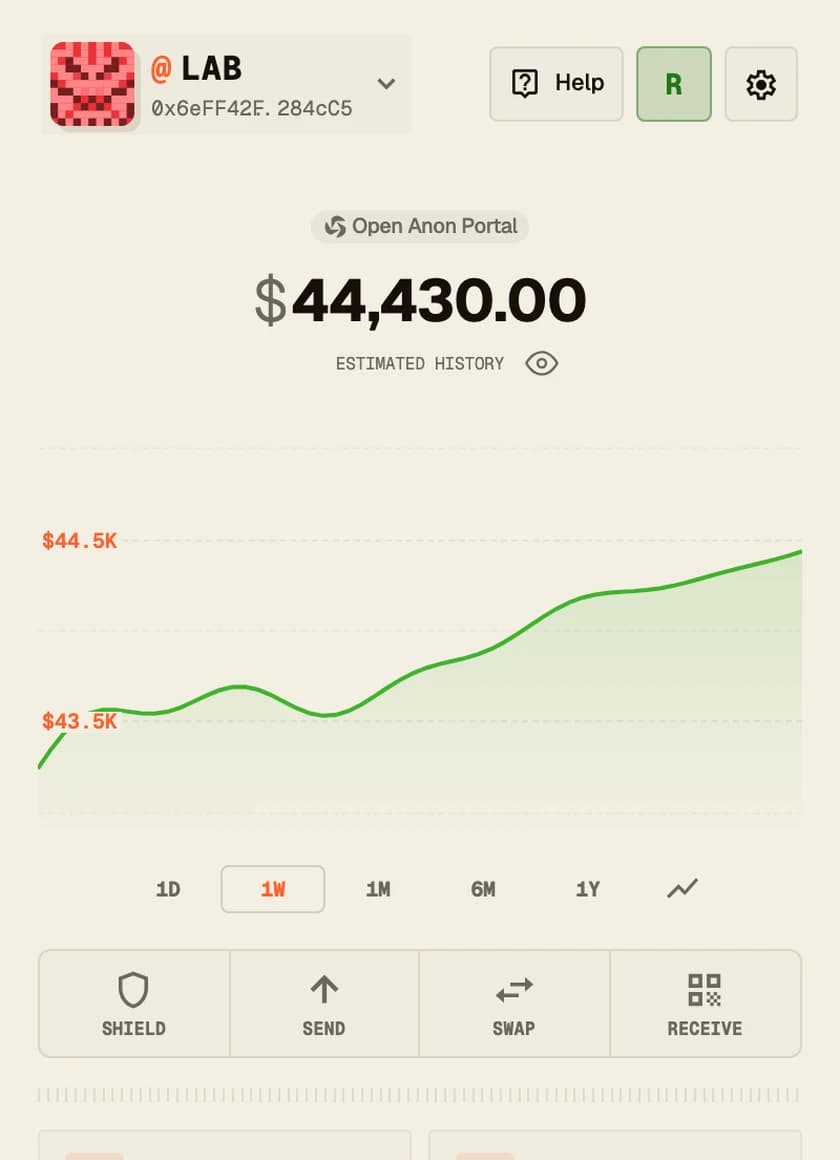
Get started with AnonPortal is included with the browser extension. Open Anon, then select Open Wallet Portal above your balance to open your full-page workspace for balances, swaps and positions.
See how Portal worksShielding moves supported assets from your public address into a Railgun private balance. The deposit is visible onchain, while your shielded balance is not displayed like the balance of a public address.
Understand shieldingPrivacy depends on the action you choose. Public transactions remain public. Shielding, unshielding, and external swap execution have public aspects, so review the transaction details before you confirm.
Explore how privacy worksYou do. Anon encrypts your keys locally. Keep your recovery information somewhere safe: it is what lets you restore access to your wallet on another device.
Read the setup guideAnon is available for Chrome, Brave, and Edge, plus Android through Google Play or a direct download. An iOS beta is available through TestFlight. The download page has current versions and installation instructions.
See download optionsNetwork Guard is an optional companion for the Chrome extension on macOS. It connects to your existing VPN app and reports its connection state. It does not block requests or verify that your browser traffic uses the VPN tunnel.
Learn about Network GuardAnon scans encrypted onchain activity to discover the assets and transactions that belong to your private wallet. A new or restored wallet may need time to catch up before its private balance is ready.
Understand wallet syncingGive your wallet a name people can remember. Your Anon profile can share a picture, handle, and receive links. Profiles are public, so choose the information you want to share.
Explore Anon usernamesOn your phone, open the Connect tab and scan the app's QR code, paste its link, or open the link on the phone. In the browser extension, click Connect on the site and review the request. Either way, you choose which account the app sees.
The browser extension checks each site against MetaMask's public phishing list, kept on your device and renewed every 20 minutes. Downloading the list names no site or account, and a listed site can't connect. On mobile, each request shows a trust badge. A site that isn't on a list isn't proven safe, so check the address too.
English, Chinese, Korean, Russian, Japanese, Spanish and French, in the browser extension and the mobile app. Anon follows your browser or phone language, or you can choose one in Settings.











 zk1241...1Afs12